
 Capture
For Medtech Evolution practices.
Connected through ALEX, Medtech’s own API.
Photos, files and emails, straight into Medtech.
Resized, in the right format and in the right patient’s inbox. Nothing left on a phone, and nobody at reception doing it by hand.

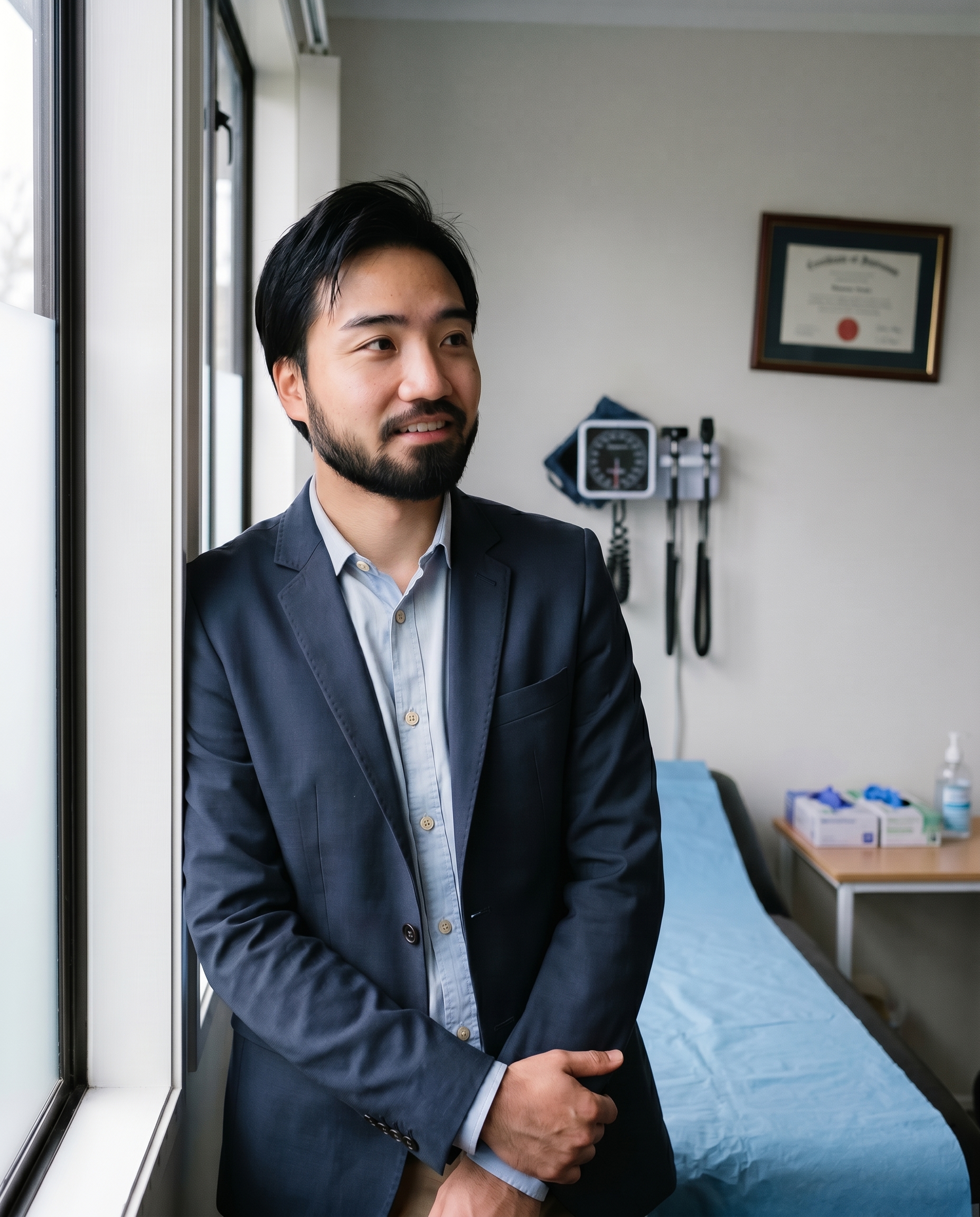
Built by Dr Ryo Eguchi, a practising GP in Auckland.
Growing fast
Already in practices from Auckland to Gore.
Capture is in use at GP practices, an emergency department and a skin cancer clinic.
Across 0 clinics and 0 users.
- Auckland
- Napier
- Havelock North
- Levin
- Wellington
- Nelson
- Rangiora
- Christchurch
- Queenstown
- Dunedin
- Gore

- Auckland
- Napier
- Havelock North
- Levin
- Wellington
- Nelson
- Rangiora
- Christchurch
- Queenstown
- Dunedin
- Gore
The fiddly part is done before it reaches Medtech.
Resized and formatted for you
Photos, scans, Word and Excel files arrive as a PDF Medtech accepts, sized small so records open fast and referral pickers take it as it is.
Straight to the right patient
Into that patient’s inbox in Evolution, under the right provider. No importing, renaming or matching a file to a name.
Not saved anywhere else
Never kept on the phone, and no lasting copy with ClinicPro. Location data is stripped on the way.
- Phone photo
- Scanned letter
- Word document
- Excel spreadsheet
- Patient email
Ready for Medtech
- Turned into a PDF
- Sized to a few hundred KB
- Location data removed
- Matched to the right patient
Evolution inbox
The right patient, the right provider
Word and Excel files are converted when they arrive by email import, now in pilot.
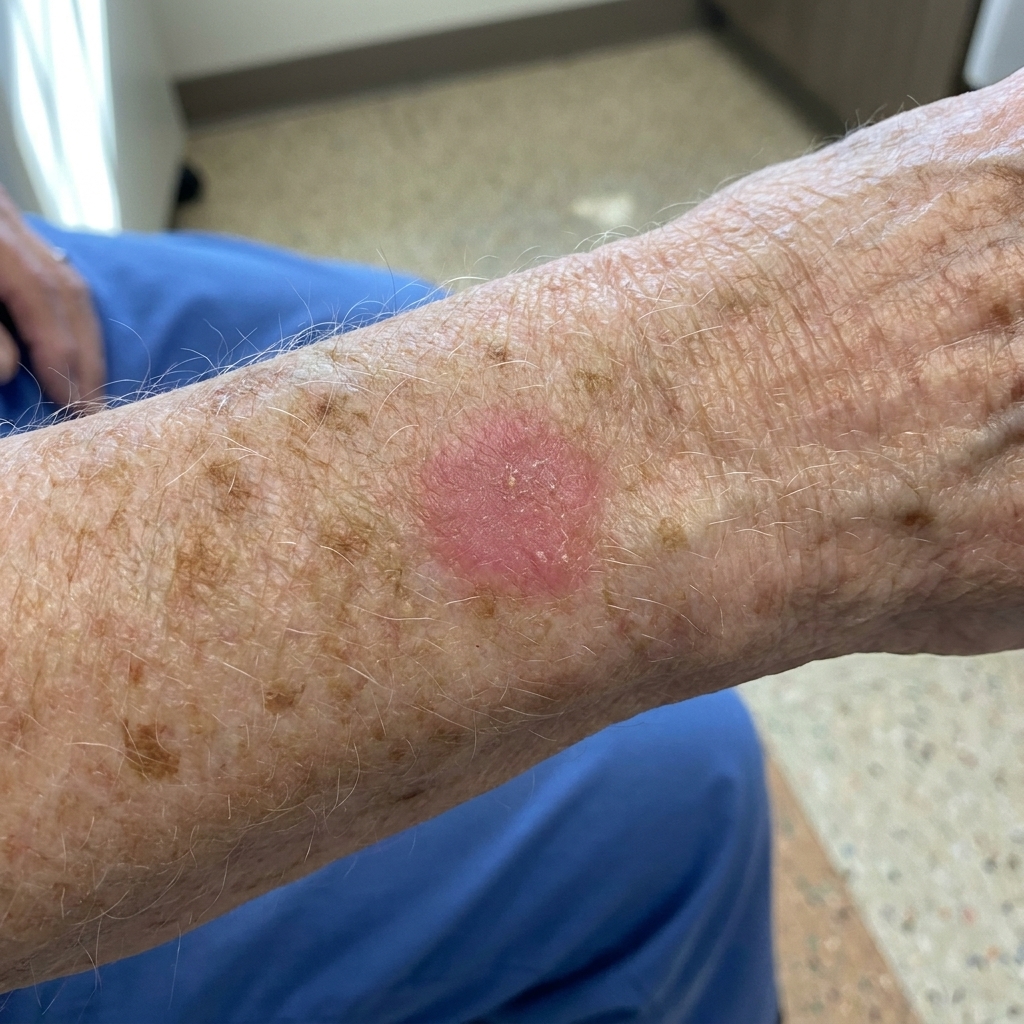
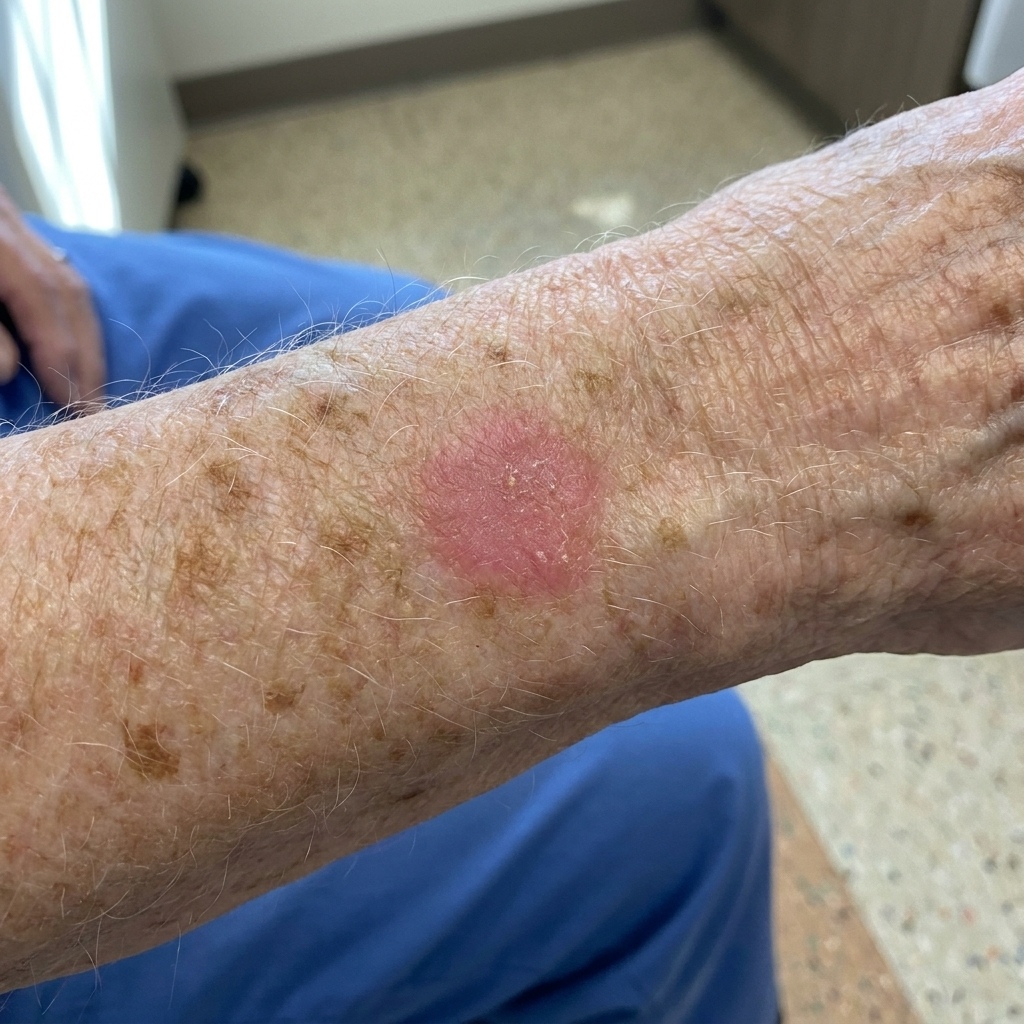
Side by side, you cannot tell them apart.
Four ways in.
One place they land.
Whoever has the photo or the file, there is a way for it to reach the patient’s inbox.
1. You open ClinicPro
From the patient’s record in Evolution.
2. You add something
A photo, a patient’s file, or a forwarded email.
3. It lands in Medtech
In the patient’s inbox, dated and named.
With the patient open in Evolution, click the ClinicPro icon and a code appears on screen. Scan it with any phone, take the photo, and it goes to that patient. No searching, no typing a name, no login in the clinic.
See it step by step in the staff guide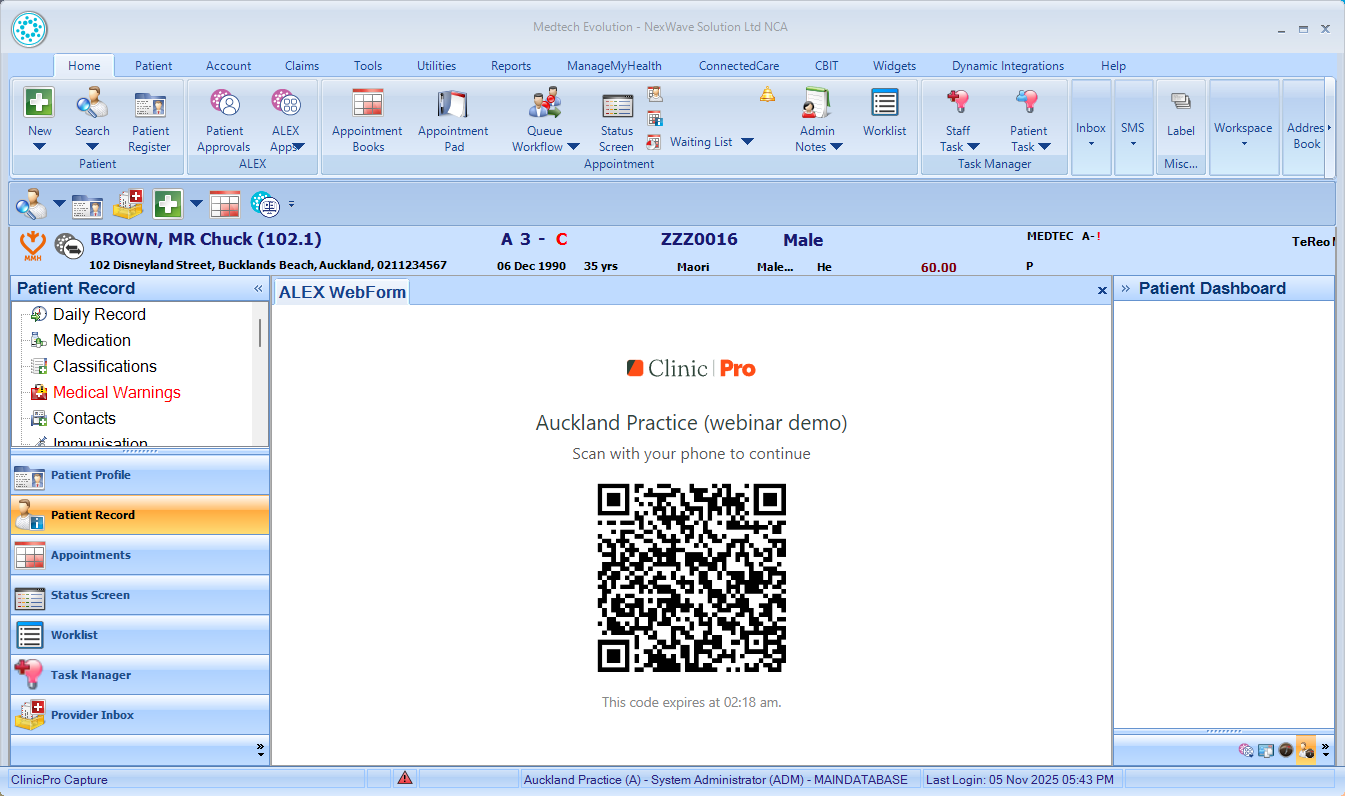
For dermatology
A skin photo the dermatologist can read at a glance.
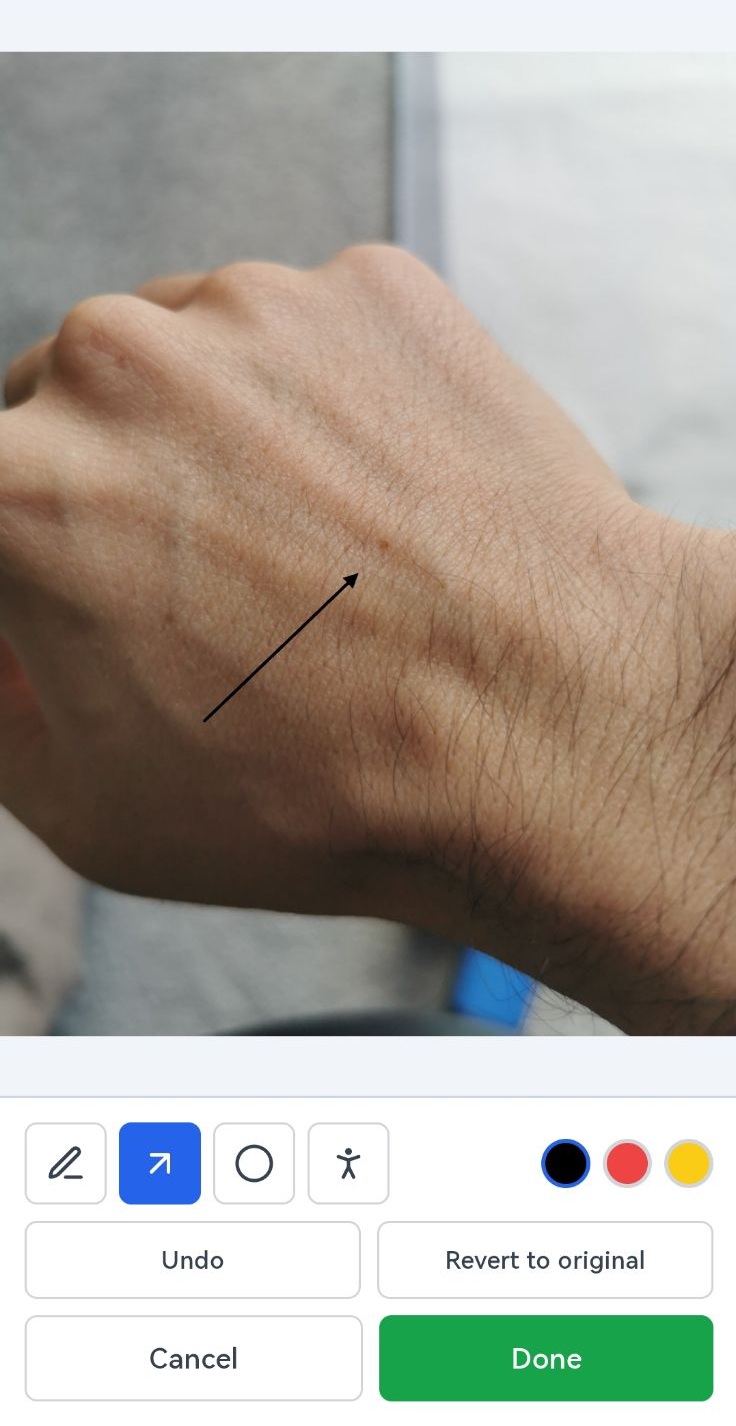
Circle the lesion and pin it on a body map before it is sent. It arrives in the inbox ready to attach to the referral, and nobody has to guess which spot you meant.
Annotate
Draw on the photo before it goes. Arrows, circles, whatever makes the point. It saves with the image, so the next person sees what you saw rather than reading about it.
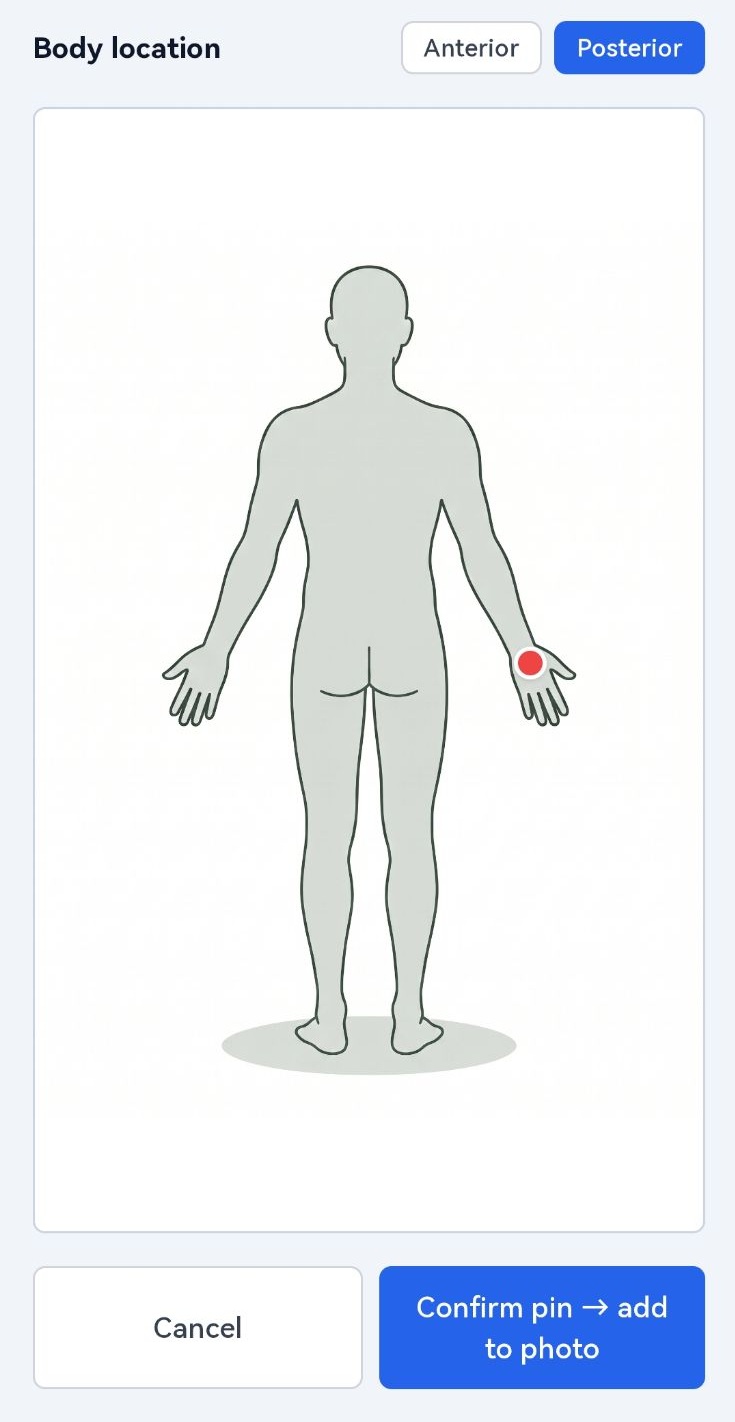
Body map
Pin the site on a body map. Six months later nobody has to work out whether that is the same lesion or a different one.
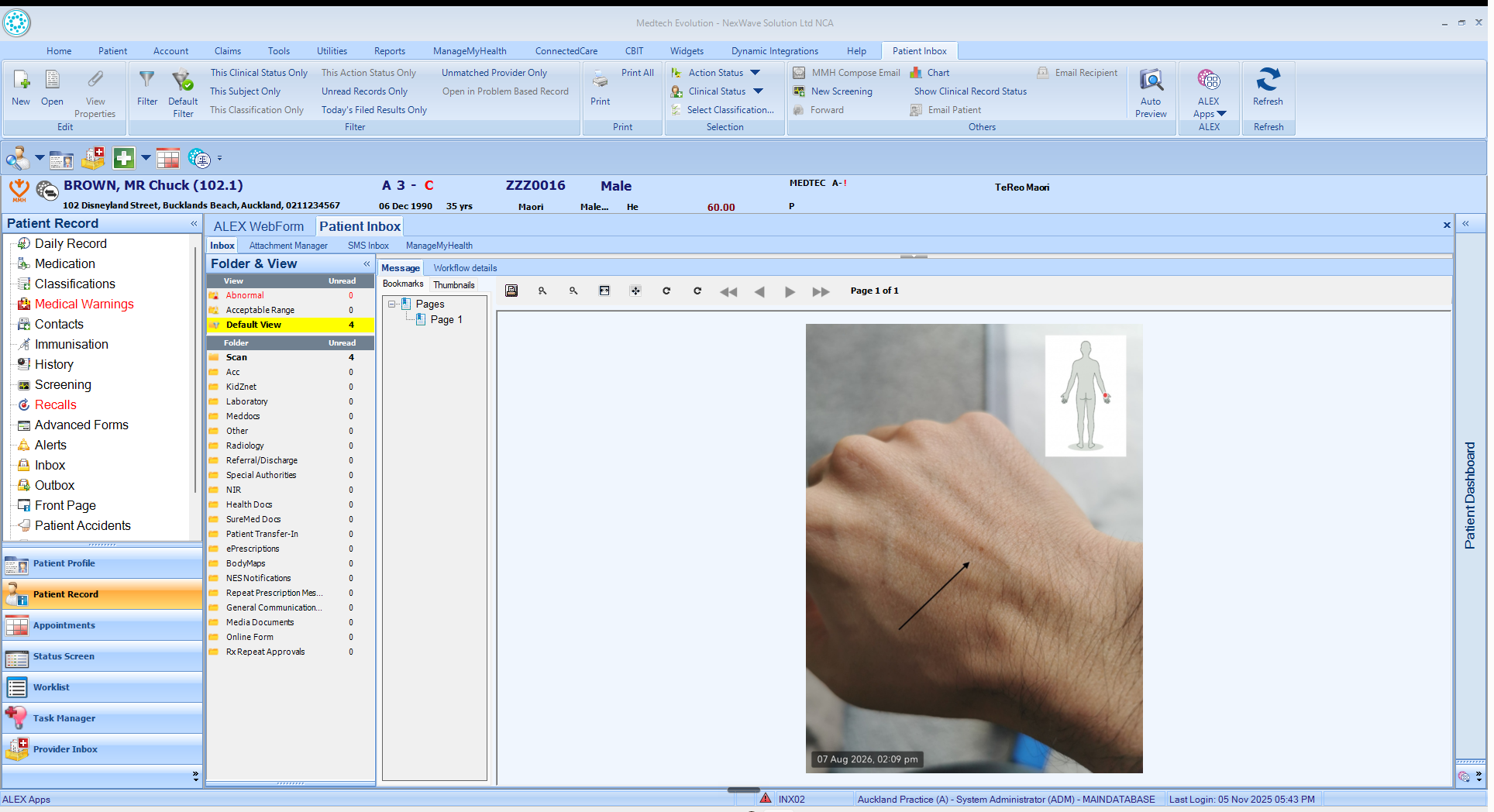
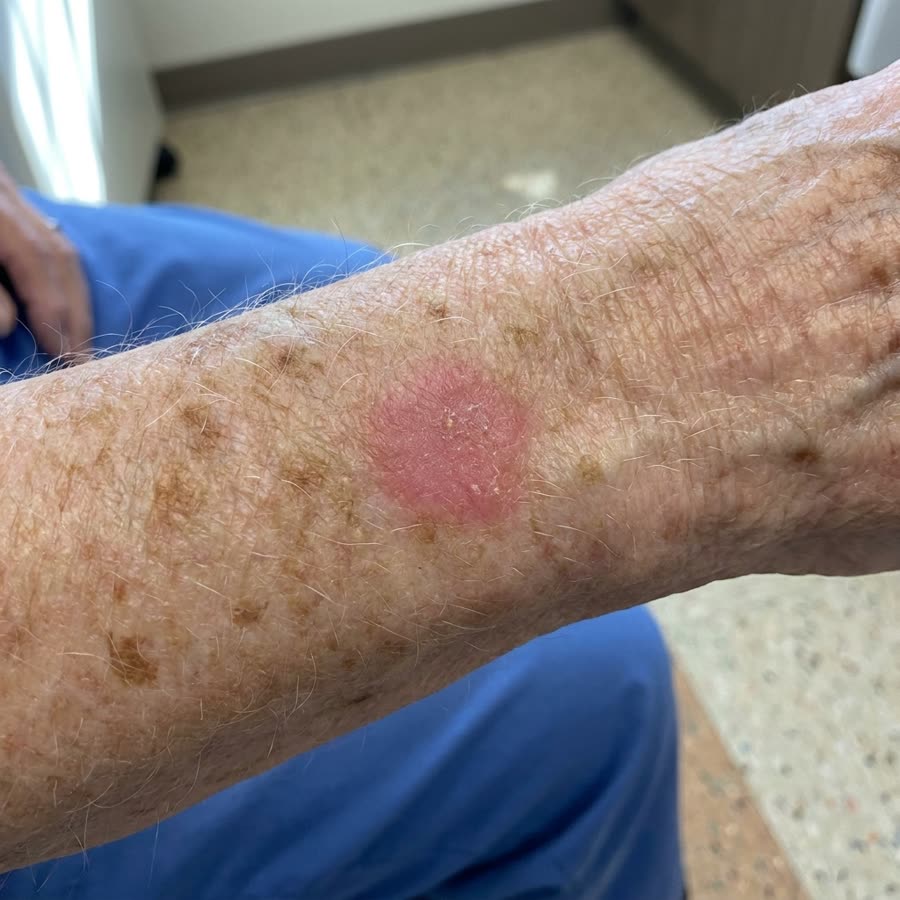
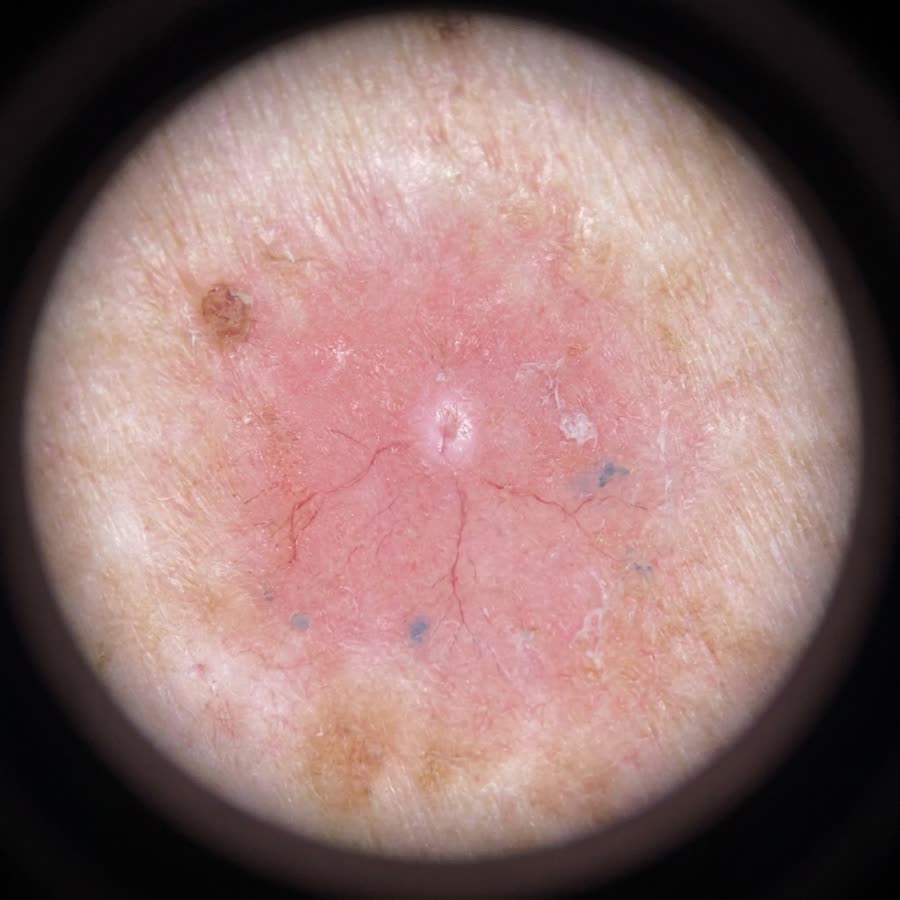
Exactly what happens in clinic, from your phone to Medtech.
ClinicPro Capture
Find a patient
NHI number
Synthetic NHI. Pre-filled for the demo.
Not just for referrals.
Most practices only photograph something when it has to go somewhere. Once it takes seconds, there are far more moments worth capturing.
Wound reviews
Whoever does the dressing takes the photo. Next week you compare two pictures, not two descriptions.
QR code
Enrolment paperwork
Reception photographs the ID and proof of address on the spot, or asks the patient to send them through a link.
QR code or patient link
Phone consultations
Reception emails the patient a link when booking, so the photos are already in the inbox when you call.
Patient link
Home readings
A screenshot of a home blood pressure diary, a glucose app or a smartwatch ECG, sent before the review.
Patient link
Forms filled in at home
Insurance and work forms the patient completes at home come back through the link, straight to their inbox.
Patient link
Patient documents out of email
Forward patient emails to ClinicPro. Letters and attachments are imported into Medtech, not left sitting in a shared inbox.
Email import
“Less erythema, appears to be healing” is a judgement. Two photographs a few days apart are evidence.
Privacy & compliance
Straight into Medtech. Nothing kept on the phone, and no lasting copy in the cloud.
Built to meet the rules that govern clinical software in New Zealand: HIPC 2020, Privacy Act 2020 s11, HISO 10029.
Never saved to phone
NZ + AU residency
HIPC + Privacy Act
Full audit trail
How much
One price for the whole practice.
Set by your enrolled patient count. Every GP, nurse and receptionist is covered.
The number on your PHO dashboard.
Monthly price
$67.00+ GST
$77.05 a month including GST (15%).
See all price bands
| Up to 2,000 | NZ$25 |
| 2,001 to 4,000 | NZ$67 |
| 4,001 to 7,000 | NZ$125 |
| 7,001 to 50,000 | From NZ$125 |
Above 7,000 each extra patient is charged at a lower rate, so there is no jump between bands. Above 50,000 we quote individually.
- No contract. No minimum term, notice period or exit fee.
- Cancel by email. It stops at the end of the month you have paid for.
- 30-day refund. Full refund in the first month, no questions asked.
- Price fixed for 12 months. Re-priced only if your count moves by more than 20%.
- Nothing else to pay. No setup fee, no per-image or per-user charge. GST on top.
- Your photos stay yours. They live in Medtech, so there is nothing to export when you stop.
Not a GP practice? Ask for a quote
Getting started is simple.
- 1
Tell me about your practice
Fill in the form. I reply personally with your exact price and answers to your questions.
- 2
Medtech connects you
When you are ready, you sign up and Medtech switches on your connection, usually within one business day.
- 3
Click, scan, done
Add the ClinicPro icon to Evolution, with the guide or with me on a call. Then everyone can capture.
Questions.
Product
Pricing
Trust
“I built Capture because I kept watching Medtech practices lose time on photos every single day. As a GP, I knew the workarounds weren’t good enough for privacy or workflow. This is the tool I wanted in clinic. Open your phone browser, take the photo. It is in Medtech.”
Yours,
Ryo Eguchi.
Built in Auckland, NZ · NexWave Solutions Limited
Prefer to talk it through first? Email me directly at ryo@clinicpro.co.nz